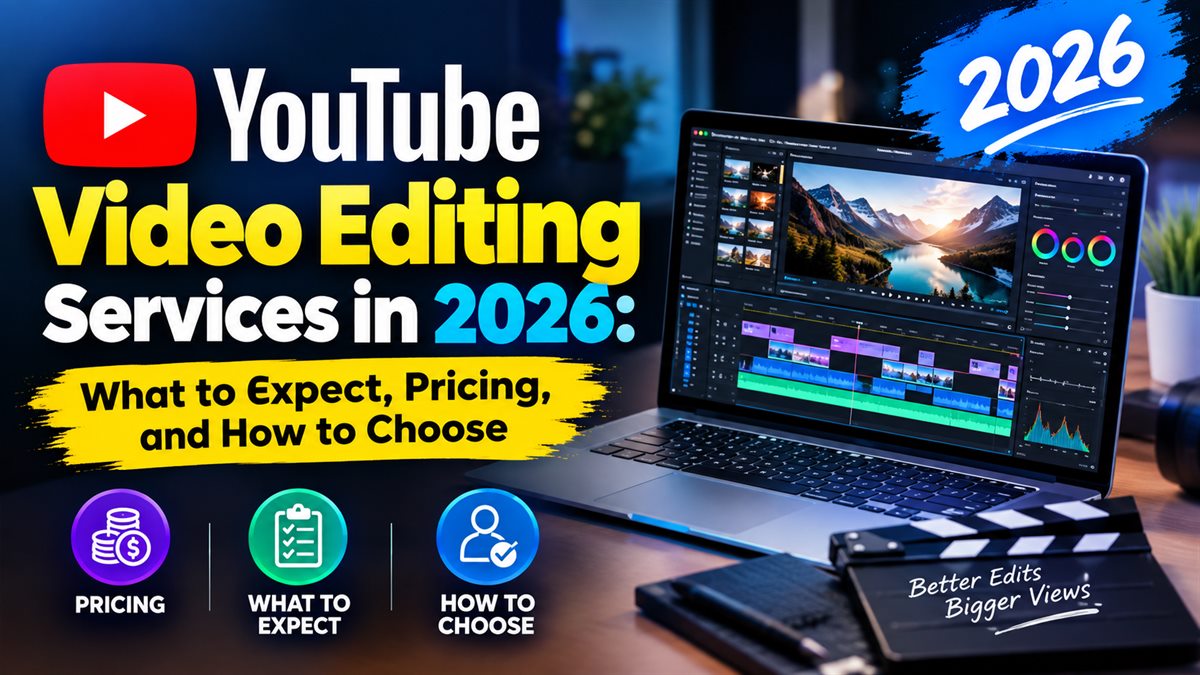
YouTube Video Editing Services in 2026: What to Expect, Pricing, and How to Choose
Every serious YouTuber hits the same wall: raw footage is easy, but editing is where the hours disappear. A single 15-minute video can take a full day of cutting, sound, captions and thumbnails — time you could spend scripting, recording and growing your channel. That is why YouTube video editing services have become a standard part of the creator economy. This guide covers what a professional editing service actually delivers in 2026, what it costs per video, and how to hire an editor who makes your channel look bigger than your budget.
Why Creators and Brands Outsource YouTube Editing
Consistency is the algorithm's favourite signal. Channels that upload on a reliable schedule — with a consistent visual style — grow measurably faster than creators who publish sporadically between life and work. An editing partner turns that consistency into a system: footage goes in, a finished, on-brand video comes out. For brands, agency and agency-style channels, the same logic applies with an added benefit: polished videos reinforce the authority of the business behind them.
Before you upload a single professionally edited video, your thumbnail and title decide most of the click-through. Most agencies bundle those together — a point we return to at the end of this article.
What a Professional YouTube Video Editing Service Includes
A good 2026 edit is far more than trimming. A complete service typically covers:
Raw Footage Selection and Structure
Your editor reviews all footage, drops the unusable takes, and builds a narrative that holds attention — shorter intros, faster pacing between ideas, and a clear payoff before the end.
Pacing, Cuts and Transitions
Jump cuts, J-cuts, b-roll insertion and motion graphics are used to keep the visual rhythm tight. The goal is nothing less than a video a viewer does not want to pause.
Audio, Music and Sound Design
Viewers forgive average video but abandon bad audio. Editing includes noise removal, levelling, dead-air tightening, background music and properly mixed voice-over so your content sounds as good on phone speakers as it does on headphones.
Color Grading and Visual Style
Consistent colour gives your channel a signature look. Editors apply a matching grade across every video so your library reads as one brand — an easy visual upgrade that instantly increases perceived production value.
Captions, Titles and Graphics
Auto-generated captions, animated titles, lower-thirds and end screens are part of a full-service edit. On-screen captions are no longer optional; a large share of viewing happens with sound off, and YouTube rewards strong watch time regardless of how it is earned.
How Much Do YouTube Video Editing Services Cost in 2026?
Pricing scales with video length, complexity and the amount of raw footage supplied. As a practical benchmark:
| Video type | Typical cost per video (USD) |
|---|---|
| Short-form (Shorts / TikTok, under 60s) | $15 – $60 |
| Standard talking-head or vlog (8–15 min) | $40 – $150 |
| Heavily edited documentary-style or gaming (10–20 min) | $120 – $350 |
| Long-form podcast or multi-cam (30+ min) | $150 – $500 |
Monthly retainer deals — for example, a flat rate for 4–8 videos a month — usually beat per-video pricing by 15–30%, and they guarantee your editing slot. For a full production pipeline that includes scripting input and motion design, a video editing and production service keeps everything under one roof: consistent work, one invoice, one point of contact.
How to Choose the Right Video Editor
Use this checklist before you commit to anyone.
- Watch their sample edits, not a showreel — judge pacing, audio mix and how well they hold attention at the five-minute mark.
- Ask about turnaround. A reliable 48–72 hour turnaround matters more than a mystical ability to edit in 6 hours.
- Confirm what is included: revisions (typically 2–3), captions, music licensing, and file delivery format.
- Test with one video first. A low-risk trial tells you more than ten promises.
- Check communication. Good editors ask questions about intent, pacing and audience before cutting.
Editing Alone Won't Get the Views — Package It
Here is the strategic truth: the edit gets you watch time, but the click comes from your title and thumbnail. The most cost-effective upgrade you can make is bundling editing with professional YouTube thumbnail design, so every upload arrives as a complete, click-optimised package. High-contrast, face-driven thumbnails tested against your niche standard simply outperform default frames, and they are one of the few variables you can change retroactively to revive underperforming videos.
How to Prepare Footage So Your Editor Delivers Faster
Half of the editing timeline lives in how you hand over raw material. A little discipline on your side dramatically cuts turnaround and reduces the number of revision rounds:
- Label and organise takes. Name files by segment ("intro", "main", "outro") instead of dumping 40 clips in a single folder.
- Record clean audio. A quiet room, a decent microphone, and a normal speaking distance beat any post-production fix for muddy sound.
- Send a simple brief. Note the video's goal, your typical pacing, any must-keep moments, and where your intro should end.
- Share your channel style. Point to two or three existing videos as the "match this" reference — it removes most guesswork.
- Deliver everything at once. The faster your editor has all assets (footage, music choices, logos), the fewer "waiting on files" pauses.
Good preparation is why experienced creators rarely wait more than 72 hours for a finished edit, even on busy post-production weeks. It is also why establishing a template — a fixed intro, outro and lower-third system — keeps every future video on-brand and on-schedule.
Frequently Asked Questions
Do I need to send my original files?
Yes — editors need access to the original footage, preferably organised by take or segment. Cloud links or a shared drive remove most of the back-and-forth and speed up every order.
How many revisions should I expect?
Two to three rounds of revisions is the industry standard for per-video pricing. Agree on it before you start to avoid scope creep on both sides.
Can the editor match my existing video style?
Yes. Share your best-performing videos and any style references; an experienced editor will recreate the pacing, grade and graphics so new uploads feel like a continuation of your channel.
Final Thoughts: Outsource Editing, Own Your Growth
Editing is a craft — and a bottleneck. In 2026, hiring a professional keeps you consistent, protects your brand's quality bar, and frees your hours for the creation and promotion that actually grow the channel. Whether you scale up to a full digital marketing programme later or just want your next upload to leave the right first impression, starting with reliable editing is the highest-leverage move a creator can make.
Ready to look like a bigger channel before you are one? Send us a sample clip and your goals — we will show you exactly how your videos can look, and what it will cost.